

Mosaic Soft Quill
Mosaic Soft Quill Logo

We turn abstract ideas into working prototypes you can actually test

Most digital agencies talk about user experience. We start there. Before writing a single line of production code, we build clickable prototypes that help you figure out what actually works for your users. It's saved our Singapore clients months of expensive revisions.

UX design workspace showing wireframes and prototypes

Our approach started with our own frustration

After watching too many beautifully designed websites fail because nobody tested them with actual users first, we decided to flip the process. Now we prototype fast, test early, and only build what we know works.

Why prototyping matters more than you think

Last year, a retail client came to us wanting a complete site redesign. Their checkout process had a 78% abandonment rate. Instead of redesigning everything, we built three different checkout prototypes and tested them with 40 actual customers over two weeks.

The winning version reduced abandonment to 34%. And we discovered this before writing any production code. That's the kind of insight you get when you prioritize UX research and rapid prototyping over jumping straight to development.

Testing with real people always reveals something unexpected. Always.

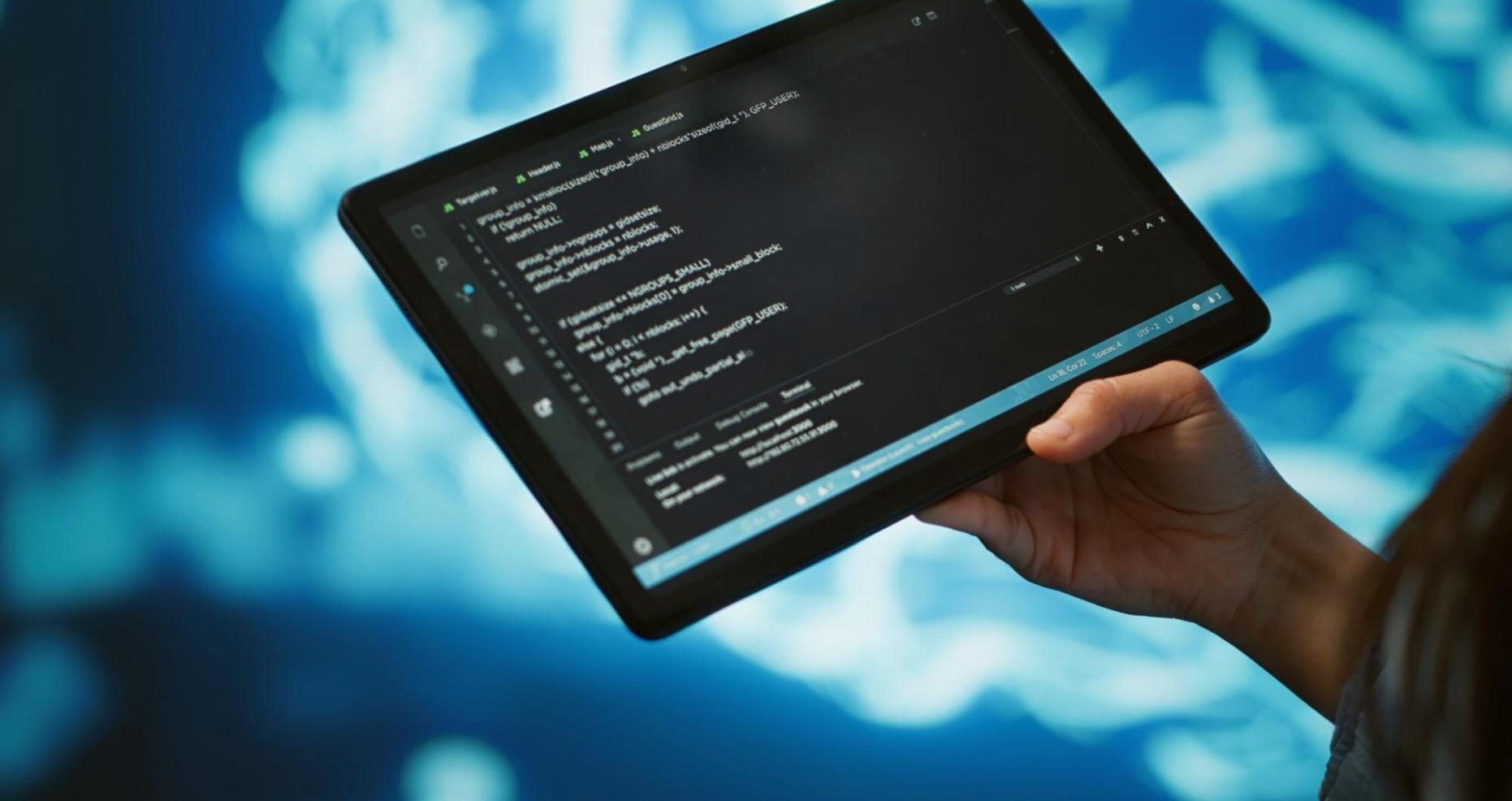
Designer conducting user testing session with prototype

What we actually do (without the buzzwords)

We're not going to promise we'll "transform your digital presence." What we will do is build prototypes that help you make better decisions about your product before you invest in full development. Everything starts with understanding what your users need.

Interactive Prototyping

We create clickable prototypes using Figma and Adobe XD that feel real enough to test with actual users. You get to see how people interact with your concept before committing to development costs.

User Research Sessions

We run structured testing sessions with your target audience. Five users will typically uncover 85% of usability issues. We've learned that the hard way, so you don't have to.

Information Architecture

How you organize information matters more than most people realize. We map out content structures that make sense to users, not just to your internal team.

Wireframe Development

Before getting into visual design, we establish the structure. Low-fidelity wireframes help everyone focus on functionality and flow rather than arguing about button colors.

Usability Testing

We watch real people try to complete actual tasks in your prototype. It's humbling. And incredibly valuable. You'll discover problems you never knew existed.

Design System Planning

For larger projects, we establish reusable component libraries that keep your product consistent as it grows. This pays off massively when you're scaling.

How we work through a typical project

Every project is different, but this is roughly how we approach UX design and prototyping work. The timeline usually runs 6-10 weeks depending on complexity.

Discovery and Research

We start by understanding your business goals and your users' needs. This includes stakeholder interviews, competitive analysis, and user research. We're looking for the gap between what you think users want and what they actually need.

Information Architecture

Before designing anything, we map out how information should be organized. Card sorting exercises with users help us understand their mental models. This foundation prevents expensive restructuring later.

Low-Fidelity Prototyping

We create quick, rough prototypes to test core concepts and flows. These aren't pretty, but they're fast to modify based on feedback. Speed matters more than polish at this stage.

User Testing Round One

Real users interact with the prototype while we observe and take notes. We're watching for confusion, hesitation, and unexpected behavior. This typically reveals 10-15 significant issues.

High-Fidelity Prototype

After incorporating feedback, we build a polished interactive prototype that looks and feels like the final product. This is what you'll use to get stakeholder buy-in and guide development.

Final Validation Testing

One more round of user testing to confirm we've solved the problems identified earlier. We measure task completion rates and satisfaction scores to validate the design decisions.

Recent prototype work

E-commerce checkout flow prototype interface
Healthcare Booking Platform

Designed and tested appointment scheduling flow for a Singapore medical group. Reduced booking time from 8 minutes to under 2 minutes through three prototype iterations.

Mobile app navigation prototype screens
Property Search App

Built interactive prototype for real estate platform focusing on map-based property discovery. User testing revealed that buyers prioritized neighborhood info over property photos.

What happens when you test before building

We can talk about our process all day, but here's what actually matters – the results our clients see when they prioritize UX research and prototyping.

The education platform that avoided a costly mistake

An online learning company approached us in March 2025 wanting to add live video tutoring to their platform. They'd already spec'd out the technical requirements and were ready to start development.

We suggested building a prototype first. During user testing, we discovered that students didn't want live video – they wanted the ability to leave questions and get video responses later. The asynchronous format fit their schedules better.

The development cost for the asynchronous system was about 40% less than live video streaming. More importantly, it's what students actually wanted. The prototype revealed this in week two, before a single line of backend code was written.

Client reviewing prototype designs on tablet

Tools we use for prototyping and testing

Figma

Our primary tool for creating interactive prototypes. The collaborative features make it easy for your team to provide feedback in real-time.

Adobe XD

We use XD for projects requiring more complex interactions and animations. The prototyping capabilities are excellent for testing advanced user flows.

Maze

Remote usability testing platform that helps us gather quantitative data on how users interact with prototypes. The heatmaps reveal where users struggle.

Miro

Digital whiteboard for collaborative workshops and information architecture exercises. Particularly useful for card sorting sessions with distributed teams.

UserTesting

Platform for running moderated and unmoderated user research sessions. We can recruit specific demographic segments to match your target audience.

Optimal Workshop

Specialized tools for tree testing and first-click testing. Helps validate information architecture decisions before committing to visual design.

Sketch

Still relevant for certain types of interface design work, particularly when working with existing design systems built in Sketch.

InVision

Useful for creating presentation-ready prototypes and managing design handoff to development teams. The commenting features help with stakeholder feedback.

Start with a prototype, not a production build

If you're planning a new digital product or redesigning an existing one, let's talk about building a prototype first. It'll save you time, money, and the frustration of launching something that doesn't work for your users.